Secure, certified AI for sensitive information

Experience our secure, trustworthy AI designed to organise your personal data

I used ChatGPT before, but Zone Scribe goes much further and it’s much better value!

Sally – Parent of 2
Two adults holding hands with two children as they walk along a sidewalk in front of a lavender wall labelled "Family."

Family

Keep appointments, letters, reports and important paperwork in one secure place.

View Family plan
Person seated at a desk writing in a notebook with several open books, against a lavender backdrop featuring a marble bust on a pedestal and the word "Study."

Study

Organise lectures, notes, deadlines and revision without being overwhelmed .

View Study plan
People in a meeting gathered around a table using tablets and taking notes, set against a pink backdrop with the word "Work."

Work

Bring meetings, documents, notes and actions together in one secure workspace.

View Work plan

Your partner in organising what’s overwhelming.

Capture appointments, meetings, voice notes and documents securely, then turn them into summaries, reports, action lists and useful outputs. Whether you are organising family admin, keeping on top of study, or managing work, Zone Scribe helps you stay clear and in control.

Stay present while capturing every word.Never miss what matters

Real time transcription of medical appointments, voice notes and import of legacy documents such as letters from GP surgeries. Stay present while capturing all the context. Never miss what matters.

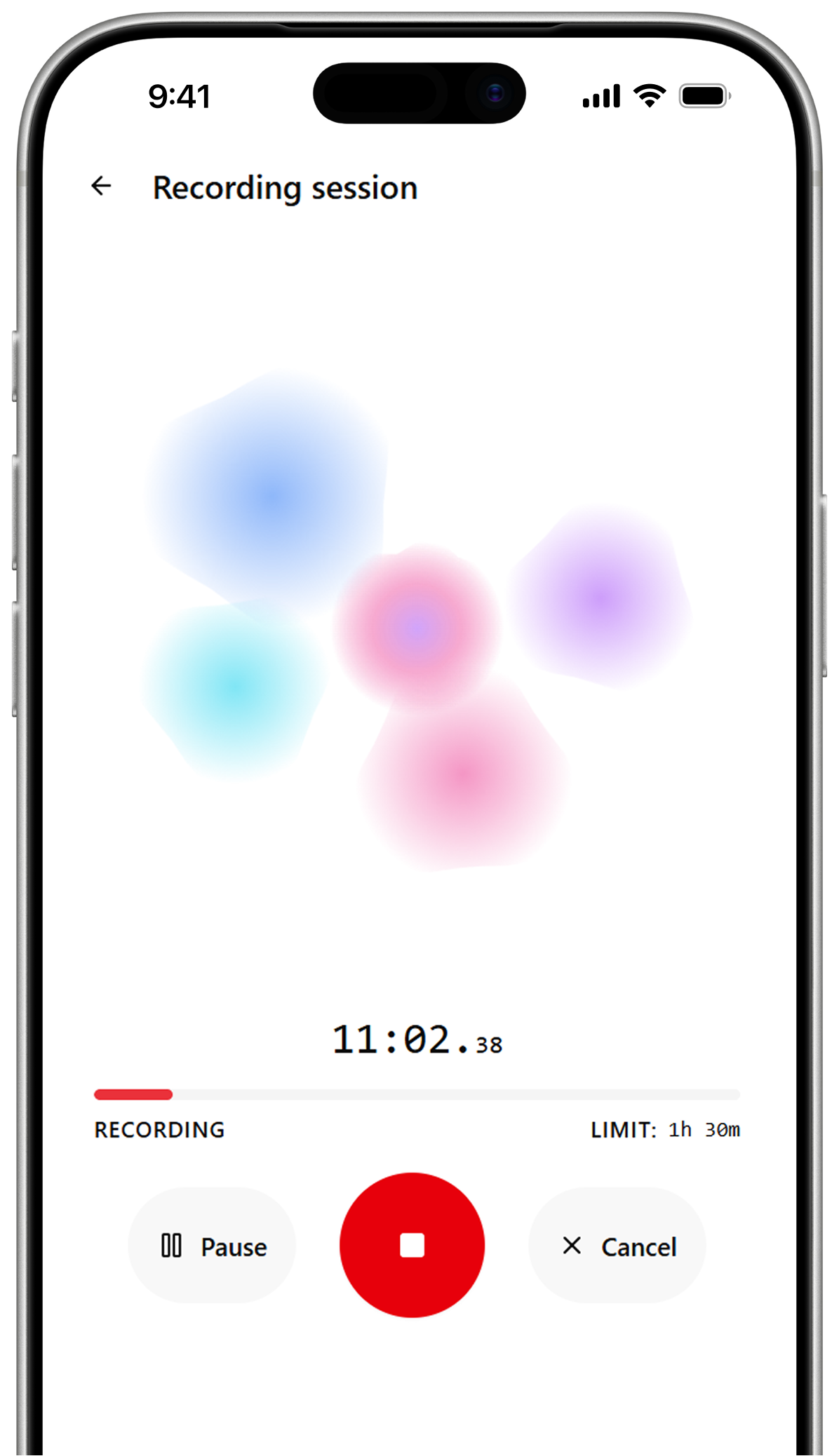
Smartphone screen showing Zone Scribe “Recording session” UI with colorful abstract blobs, an 11:02 timer, a red stop button flanked by Pause and Cancel controls
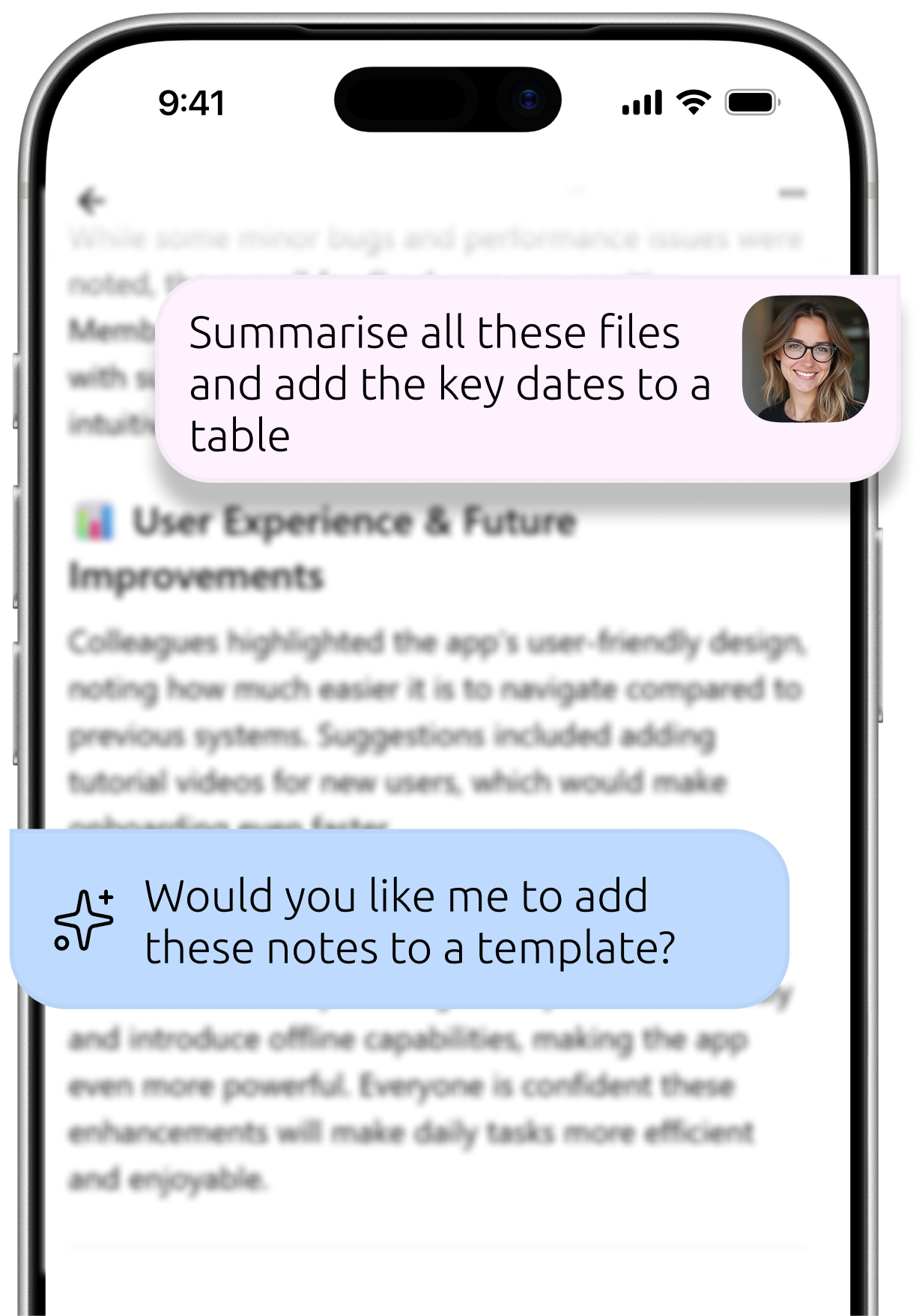
Smartphone screenshot of  Zone Scribe Ask AI output document with two chat bubbles overlaid: a pink user bubble saying “Summarise all these files and add the key dates to a table” and a blue Ask AI bubble asking “Would you like me to add these notes to a template?”

An AI organiser for an overwhelming life

AI that understands your documents, integrates new information with what you know, and accesses external sources when needed. Piecing it together so you don't have to.

Get clear summaries and next steps from your content

Ask AI to generate summaries, reports and documents that pull from live conversations and, your documents and knowledge - automatically. What once took hours, now takes moments.

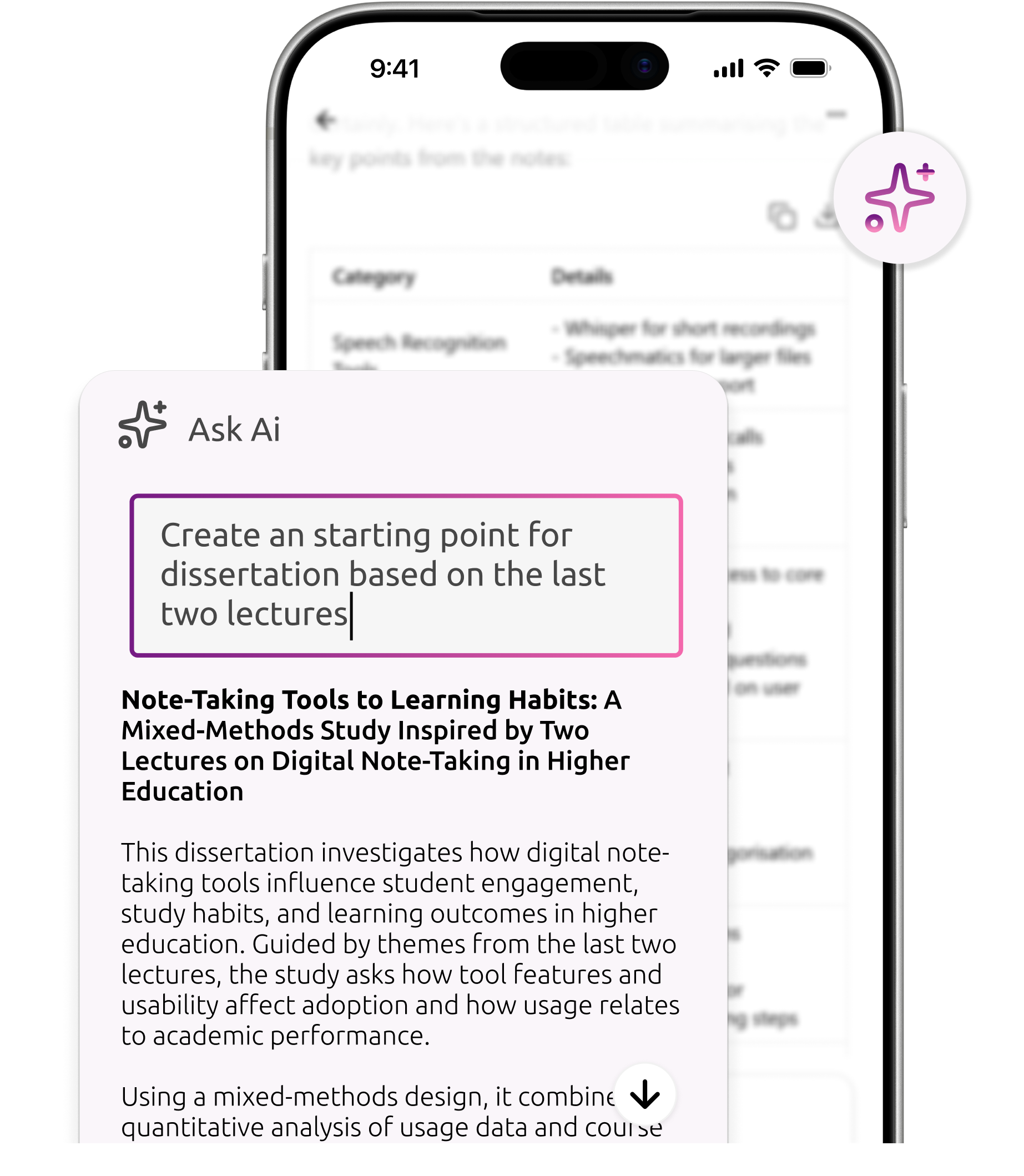
Smartphone screen showing Zone Scribe "Ask Ai" pop-up with the prompt "Create an starting point for dissertation based on the last two lectures" and an AI-generated summary titled "Note-Taking Tools to Learning Habits..." over a blurred document, with a purple sparkle icon at the top right.

Built for sensitive information

Your data stays protected with GDPR compliant security. Privacy isn’t an afterthought – its built in, with no data being used to train any AI models. This is AI you can trust.
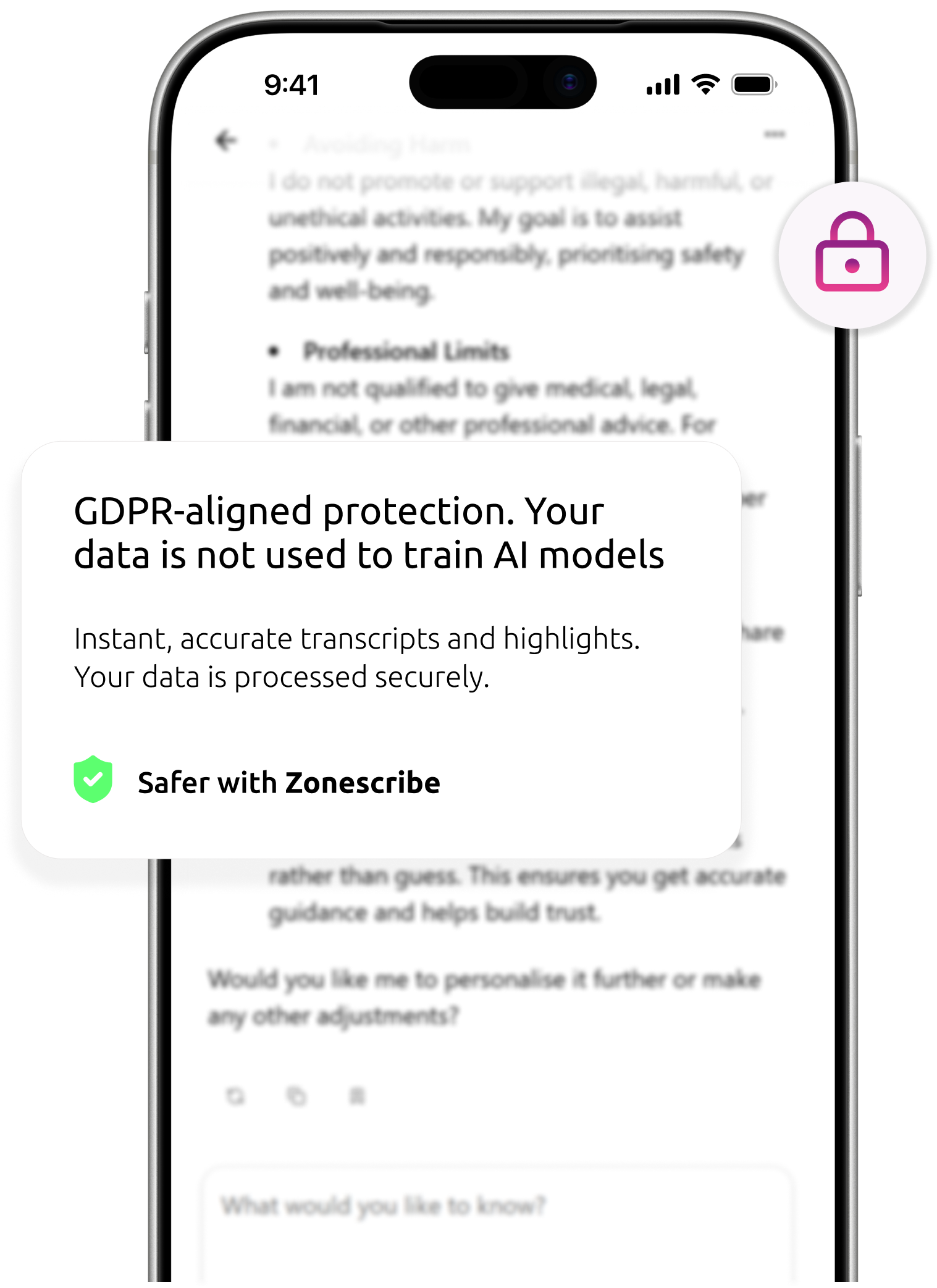
Smartphone screen showing Zone Scribe in the background with aa pop-up reading "GDPR-aligned protection. Your data is not used to train AI models," with a green "Safer with Zone scribe" badge and a pink padlock icon.

Import letters, images, documents, recordings and notes. 

All stored securely in one place.

Smartphone camera view of a printed healthcare appointment letter confirming an outpatient appointment. Highlighting you can import images straight from the camera into the app

Share to Zone Scribe from any device, anytime with zero hassle

Fast sync across all devices

iPhone share sheet for "University-Prospectus-2026.pdf" showing contact avatars and share options (AirDrop, Messages, Mail, Notes) with the "Zone Scribe" action highlighted

Zone Scribe turns fragmented information into cohesive, structured content.

See everything in one place.
Whether you are managing family life, keeping on top of study, or handling busy work, Zone Scribe helps you stay organised, informed and clear on what happens next.

Bring together your documents, transcriptions, notes and other important information in one secure place. Zone Scribe uses that context to create structured summaries, reports, action lists and other useful outputs, without you having to piece everything together manually.

Need to understand what to do next?
Zone Scribe looks across your secure data sources and, using AI chat, helps you ask questions, surface key details, and build a clearer picture of your information, responsibilities and next steps.

You focus on what matters; Zone Scribe helps with the organisation.

Photo collage of family, healthcare, and education scenes: parents with young children at home, a medical ultrasound machine, people outdoors, students walking up university steps toward a campus building, people with backpacks in a city, a classroom of pupils, two children reclining with a small fluffy dog, and a parent walking with a child.

Simple, Transparent Pricing

Basic

£2.99/mo

For individuals getting started with Zone Scribe
150 AI credits
3 GB Storage
Best for light use: recordings, core document storage, summaries, and chat.
Most Popular

Plus

£19.99/mo

For regular personal or professional use
1000 AI credits
10 GB Storage
Best for people actively using Zone Scribe across Family, Study, or Work with more transcription, more storage, and stronger organisation features.

Pro

£39.99/mo

For compliance heavy power users and advanced workflows
2500 AI credits
20 GB Storage
Best for heavy usage, higher limits, priority features, and the strongest value for people relying on Zone Scribe every week.

Download the app today

Unlock the power of AI in one seamless app. Transcribe on the go, capture ideas instantly, and turn conversations into clear, structured outputs wherever you are. It’s faster, smarter, and easier in the app. Download today and experience AI that works around you.
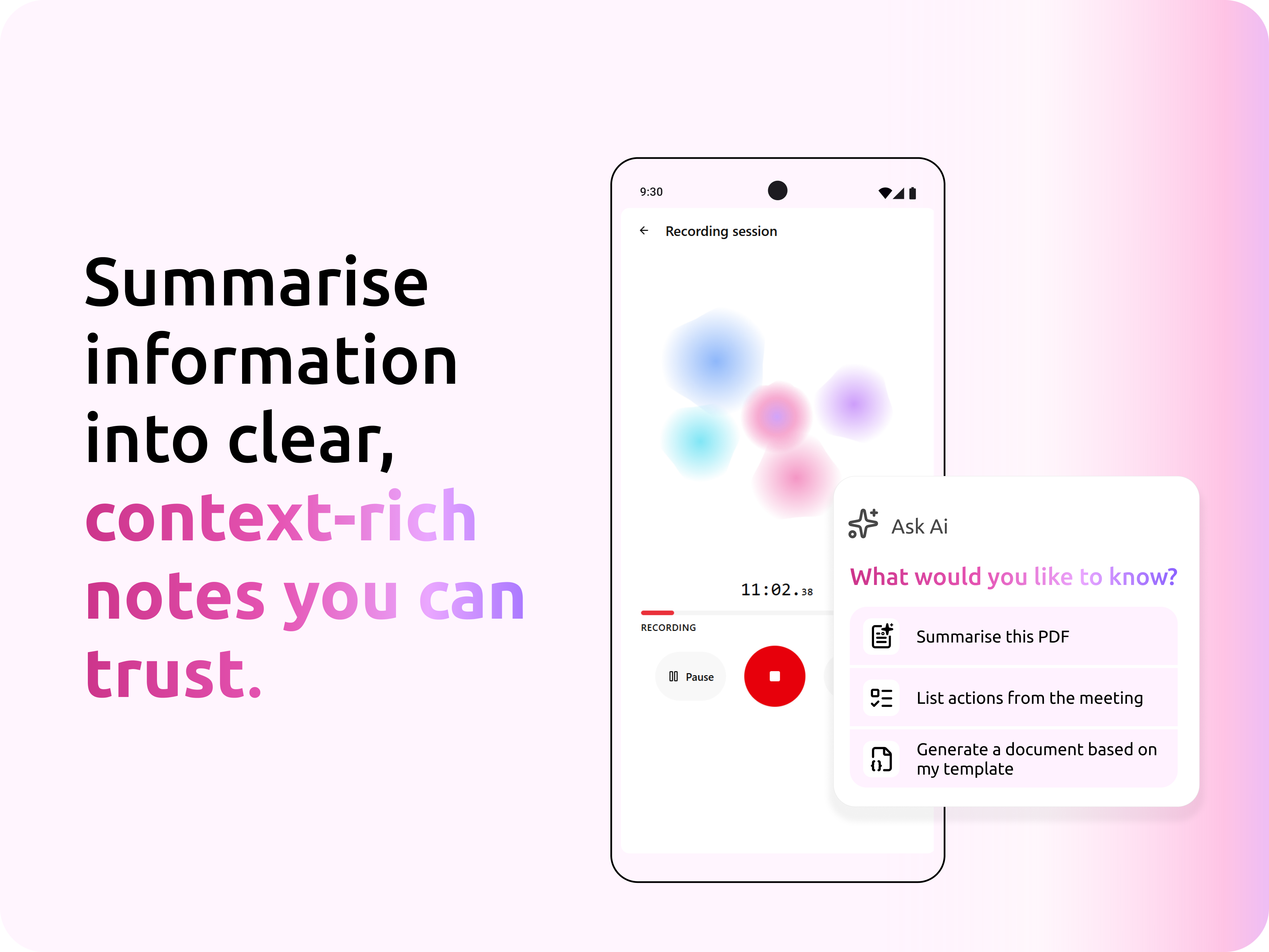
“Summarise information into clear, context-rich notes you can trust,” beside a smartphone running Zone Scribe. Recording screen with colorful blobs and an “Ask Ai” pop-up offering “Summarise this PDF,” “List actions from the meeting,” and “Generate a document based on my template.”
Google Play Store Linking to the Zone Scribe app
QR Code to download Zone Scribe from App/ Play Store
Apple Store Linking to the Zone Scribe appQR Code to download Zone Scribe from App/ Play Store

Zone Scribe Web

Prefer working on your desktop? Use Zone Scribe on your browser.

FAQs

How does Zone Scribe work?
Faq Arrow

Zone Scribe allows you to import multiple data sources, including transcriptions into Zones so you can interrogate your data and create summaries and documents for sharing, all completely secure with no risk of data being shared to train models.

Is my data private and secure?
Faq Arrow

Yes, Zone Scribe is GDPR-compliant and uses encrypted data storage and transmission to protect sensitive data. There is no training on user data.

Does Zone Scribe identify different speakers?
Faq Arrow

Yes. Zone Scribe can distinguish between different speakers during transcription, helping improve clarity and accuracy across conversations, meetings, lectures and appointments.

What file types can I upload?
Faq Arrow

Zone Scribe supports common audio formats (MP3, WAV, and M4A) for transcription. You can also transcribe live from a microphone, and import images and documents in popular file formats into Zone Scribe for analysis.

Can I edit my transcript after it's generated?
Faq Arrow

Absolutely. All transcripts and auto-generated reports can be reviewed, edited, and approved before being saved or shared.

How accurate is Zone Scribe’s transcription?
Faq Arrow

Zone Scribe is designed to deliver high-quality transcription across real-world conversations, including appointments, meetings, lectures and voice notes. Accuracy can vary depending on factors such as audio quality, background noise and how clearly people are speaking.

Is Zone Scribe recognised as a Class One Medical Device?
Faq Arrow

Yes! Zone Scribe is officially recognised as a Class I Medical Device and meets the NHS Digital Technology Assessment Criteria (DTAC) standards.This means you can trust it to meet strict healthcare safety, quality, and performance requirements.

Please note: Class I Medical Device functionality is available on the Pro Plan only.

Is there a free plan available?
Faq Arrow

Yes.  Zone Scribe includes a 3 month free plan so you can explore the product before committing.

What's included in the free plan?
Faq Arrow

You can explore ZoneScribe and try out its features on our Free Plan, with a few  limits such as a maximum transcription time of 90 minutes (maximum 30 minutes per session).
Please refer to the pricing table for full details of what’s included in each plan.
There’s no credit or debit card required – just click Get Started and jump right in.

Where is my data stored?
Faq Arrow

Data is stored securely on UK-based or EU servers.

Can I delete my data?
Faq Arrow

Yes. Users can delete transcripts and reports at any time through the platform dashboard.

Does it work on mobile devices?
Faq Arrow

Yes. Zone Scribe is mobile-friendly and can be accessed via browser or mobile apps, making documentation possible on the go.

What’s included in the paid plans?
Faq Arrow

On our basic tier you can create sessions from up to 10 hours of recording time. To create more, upgrade to the pro tier.

Microsoft Partner
NHS Data Security and Protection Toolkit
"Disability Confident" badge, a government scheme in the UK designed to encourage employers to recruit and retain disabled people and those with health conditions.
ISO 9001 Quality Management Badge
ISO 27001 Information Security Management Badge
GDPR Badge
Cyber Essentials Certified Badge
Cyber Essentials Certified Plus Badge
NHS DTAC Compliant - Assured by Acorn